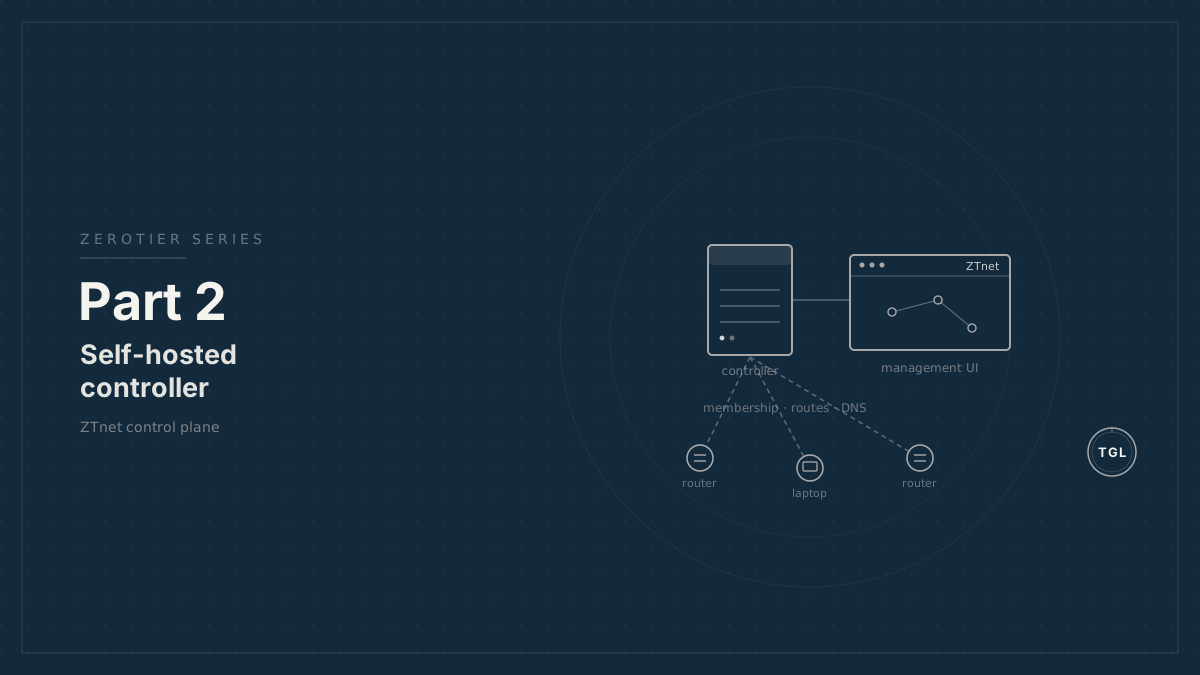
Part 2: Self-Hosting a ZeroTier Controller with ZTnet
How a self-hosted ZeroTier controller and ZTnet fit into a private mobile fleet, including controller scope, backups, and access control.
The first article explained why ZeroTier is a good transport layer for mobile private networks. The next decision is where the ZeroTier control plane should live.1
ZeroTier Central is the hosted management service. A recent update removed a few key features from the free tier of the service making a self-hosted controller more attractive: managed routes, managed DNS, unlimited members, and a clean multi-user management interface.
ZTnet fills that gap. It is a web UI and multi-user management layer for private ZeroTier controllers.
operator browser | HTTPS + Cloudflare Access policy | [Cloudflare Tunnel edge] | outbound tunnel | [cloudflared connector] | [ZTnet on private host] | ZeroTier controller API | [zerotier-one controller] | membership, routes, DNS, rules | -------------------------------- | | | aurora router calypso router tech laptopController and roots are different roles#
The controller decides who belongs to a ZeroTier network and what configuration the members receive. That includes managed IP assignments, managed routes, managed DNS settings, and rules.
ZeroTier roots help nodes discover each other and establish paths. ZeroTier’s public root infrastructure is used by default.
Do not conflate these roles:
- Self-hosting the controller removes the dependency on ZeroTier Central for network management.
- It does not automatically replace ZeroTier’s root infrastructure.
That distinction shapes the deployment. The controller should be treated as fleet control-plane infrastructure. ZeroTier root infrastructure should be treated as a separate part of the overlay design.
Why self-host the controller#
For a mobile fleet, self-hosting is mainly about control, recoverability, and cost.
The operator gains:
- Direct ownership of network configuration and membership data.
- A management UI that can be integrated into the operator’s own access model.
- A clear backup target for controller identity and network definitions.
- The option to organize customers and internal users separately.
- No dependency on a hosted management account for authorizing a router after a hardware replacement.
- Lower cost when the fleet grows beyond the limits of the free tier of ZeroTier Central. (The free tier no longer includes managed routes, managed DNS, or unlimited members, which are important for this design.)
This does not mean every deployment should self-host. For a single personal RV, ZeroTier Central may be simpler. For paid support, multi-customer isolation, and repeatable site provisioning, a private controller is easier to reason about.
Deployment shape#
ZTnet’s documented Docker Compose deployment includes three services:
- Postgres for ZTnet application data.
- A ZeroTier service for the controller.
- The ZTnet application.
Run it on a small, always-on host with reliable outbound internet. This can be a VPS, a private server, or another controlled environment, but it does not need a public IPv4 address for the management UI. Publish the ZTnet web interface through Cloudflare Tunnel instead.
In this design, cloudflared runs
on the controller host or on the same private network. It creates outbound
connections to Cloudflare, and Cloudflare maps a public hostname such as
ztnet.zt.example.com to the local ZTnet service. Put a
Cloudflare Access
policy in front of that hostname, then keep ZTnet’s own authentication enabled
behind it.
Cloudflare-------------------------------------------------| DNS: ztnet.zt.example.com || Access: operator-only policy || Tunnel: forwards HTTPS to local ZTnet origin |------------------------------------------------- ^ | outbound connections |Controller host, no inbound ports required-------------------------------------------------| [cloudflared] || | || +----> [ZTnet] <----> [Postgres] || | || +----> [zerotier-one] || /var/lib/zerotier-one |-------------------------------------------------The tunnel exposes the management UI. It does not make Cloudflare part of the ZeroTier data plane, and it does not replace ZeroTier roots. The controller host still needs a stable ZeroTier identity, outbound connectivity for ZeroTier, and enough reliability that member authorization and network configuration changes are available when the fleet needs them. At minimum, allow outbound ZeroTier traffic to the roots; Cloudflare Tunnel is only for the HTTP management surface.
Avoid exposing the ZeroTier controller API directly to Cloudflare or to the public internet. The only application that should be published through the tunnel is the management UI or a local reverse proxy in front of that UI. The ZeroTier local API should remain reachable only from ZTnet and from trusted local administration paths.
Compose deployment#
ZTnet ships a reference docker-compose.yml. Pull the current one from the
ZTnet Docker Compose docs;
the shape below shows the parts you must set for this design. Bind the ZTnet
port to localhost only, because the public entry point is the Cloudflare Tunnel,
not a published port.
services:  postgres:    image: postgres:16-alpine    restart: unless-stopped    environment:      POSTGRES_USER: ztnet      POSTGRES_PASSWORD: change-me      POSTGRES_DB: ztnet    volumes:      - postgres-data:/var/lib/postgresql/data
  zerotier:    image: zyclonite/zerotier:latest    restart: unless-stopped    cap_add: [NET_ADMIN, SYS_ADMIN]    devices:      - /dev/net/tun:/dev/net/tun    volumes:      - zerotier-one:/var/lib/zerotier-one    ports:      - "9993:9993/udp" # ZeroTier data plane; must reach the internet
  ztnet:    image: sinamics/ztnet:latest    restart: unless-stopped    depends_on: [postgres, zerotier]    environment:      POSTGRES_HOST: postgres      POSTGRES_USER: ztnet      POSTGRES_PASSWORD: change-me      POSTGRES_DB: ztnet      NEXTAUTH_URL: "https://ztnet.zt.example.com" # the tunnel hostname      NEXTAUTH_SECRET: "generate-a-long-random-string"      NEXTAUTH_URL_INTERNAL: "http://ztnet:3000"    volumes:      - zerotier-one:/var/lib/zerotier-one    ports:      - "127.0.0.1:3000:3000" # localhost only; published via Cloudflare Tunnel
volumes:  postgres-data:  zerotier-one:
Adapt before starting:
- Set strong values for
POSTGRES_PASSWORDandNEXTAUTH_SECRET(openssl rand -hex 32produces a usable secret). NEXTAUTH_URLmust match the public hostname the tunnel will serve.- The
zerotier-onevolume is shared so ZTnet can reach the controller API and its identity. That volume is your controller identity; it is a primary backup target. - Only UDP 9993 needs to reach the internet. Do not publish port 3000 publicly.
Bring the stack up and confirm ZTnet sees the controller before exposing anything:
docker compose up -ddocker compose logs -f ztnet # wait until the app reports readydocker exec -it zerotier zerotier-cli info # controller identity and statusReach http://127.0.0.1:3000 over an SSH port-forward from your workstation and
create the first admin account while the UI is still private.
Publishing the UI with Cloudflare Tunnel#
Install cloudflared on the controller host, authenticate, and create a named
tunnel:
cloudflared tunnel logincloudflared tunnel create ztnetcloudflared tunnel route dns ztnet ztnet.zt.example.comtunnel create writes a credentials file under ~/.cloudflared/. Point a
config file at it and route the hostname to the localhost ZTnet port:
tunnel: <tunnel-id-from-create>credentials-file: /root/.cloudflared/<tunnel-id>.jsoningress: - hostname: ztnet.zt.example.com service: http://127.0.0.1:3000 - service: http_status:404Run it as a supervised service:
cloudflared service installsystemctl enable --now cloudflaredThen, in the
Cloudflare Zero Trust
dashboard, add an Access application for ztnet.zt.example.com with a policy
limited to your operator identities and an MFA requirement. Access is the outer
gate; keep ZTnet’s own login enabled behind it.
Implementation steps#
- Choose the controller host. It should be patched, always on, backed up, and able to make outbound connections to ZeroTier and Cloudflare.
- Create the Docker Compose deployment for ZTnet, Postgres, and the bundled or
colocated
zerotier-onecontroller. - Persist the ZeroTier working directory and the Postgres data directory on named volumes or documented host paths.
- Start the stack on a private interface first. Confirm ZTnet can reach the local ZeroTier controller API before publishing anything.
- Create a Cloudflare Tunnel for the host and run the
cloudflaredconnector as a supervised service. - Add a public hostname such as
ztnet.zt.example.comthat forwards to the local ZTnet origin. - Protect that hostname with a Cloudflare Access policy limited to operator identities, with MFA or an equivalent strong authentication requirement.
- Keep ZTnet’s own authentication enabled and create separate operator and customer accounts.
- Create the first customer organization and network, then authorize a test router and support laptop.
- Back up the controller state, Postgres database, tunnel configuration, and recovery notes before adding production sites.
What to back up#
There are two categories of state:
- ZeroTier controller state, including controller identity and network definitions.
- ZTnet application state, including users, organizations, and UI metadata.
The ZeroTier controller stores data under the ZeroTier working directory. On a
typical Linux host that is /var/lib/zerotier-one; in Docker it is usually a
volume mounted at that path. ZTnet stores application data in Postgres.
Back up both. A backup of only one side is incomplete.
Recommended backup targets:
- The Docker volume containing
/var/lib/zerotier-one. - The Postgres database.
- The Docker Compose file and environment file.
- The Cloudflare Tunnel name, public hostname, and Access policy definition.
- Any reverse-proxy configuration.
- The documented recovery procedure.
Concrete backup commands for the Compose deployment:
# ZTnet application databasedocker exec -t postgres pg_dump -U ztnet ztnet > ztnet-db-$(date +%F).sql
# ZeroTier controller identity and network definitionsdocker run --rm -v zerotier-one:/data -v "$PWD":/backup alpine \  tar czf /backup/zerotier-one-$(date +%F).tar.gz -C /data .
Store both off the controller host, and keep docker-compose.yml, the
environment values, and the cloudflared config under version control or in a
secrets manager.
Test restoration before adding customer sites. A controller backup that has never been restored is only an assumption.
Customer organization model#
The operational model should map cleanly to customer boundaries.
A practical default is:
- One ZeroTier network per customer site.
- One ZTnet organization per customer.
- Operator users with access across organizations.
- Customer users scoped to their own organization.
- A small number of support networks for shared internal tooling.
This keeps authorization visible. When a customer leaves, sells a vehicle, or replaces a router, the affected networks and identities are easy to find.
Security boundaries#
The controller is not a secret by itself, but the ability to change controller state is sensitive. An attacker with controller access can authorize members, change routes, alter rules, and redirect DNS.
Minimum security controls:
- Put ZTnet behind Cloudflare Tunnel and Cloudflare Access.
- Require MFA or equivalent strong identity policy for operators.
- Use strong application authentication.
- Restrict administrative users.
- Restrict the ZeroTier local controller API to the ZTnet service path.
- Keep the controller host patched.
- Back up before upgrades.
- Record controller and ZTnet versions with each change.
Cloudflare Access is the first gate, not the only gate. Keep ZTnet accounts, roles, and audit practices in place so that a tunnel or identity-provider mistake does not become full controller access.
Upgrade practice#
ZTnet is active software. Before upgrading:
- Read the ZTnet release notes.
- Back up Postgres and the ZeroTier working directory.
- Confirm the current ZeroTier controller version.
- Confirm that organizations, routes, DNS settings, and member authorization still render correctly after the upgrade.
- Keep a rollback path.
For customer networks, avoid ad hoc upgrades immediately before travel, commissioning, or seasonal launch windows.
Reference documentation#
- ZTnet: Documentation
- ZTnet: Docker Compose deployment
- ZTnet: GitHub repository
- Cloudflare: Cloudflare Tunnel
- Cloudflare: Tunnel routing
- Cloudflare One: Secure a private web application
- ZeroTier: What is a Network Controller?
- ZeroTier: Private Root Servers
- ZeroTier: Root Server IP Whitelist
- ZeroTier: Client Configuration
Footnotes#
-
Written in collaboration between Claude, GPT, and Adam Sherman’s human brain; the wetware retained final veto power. ↩